Inputs and Outputs
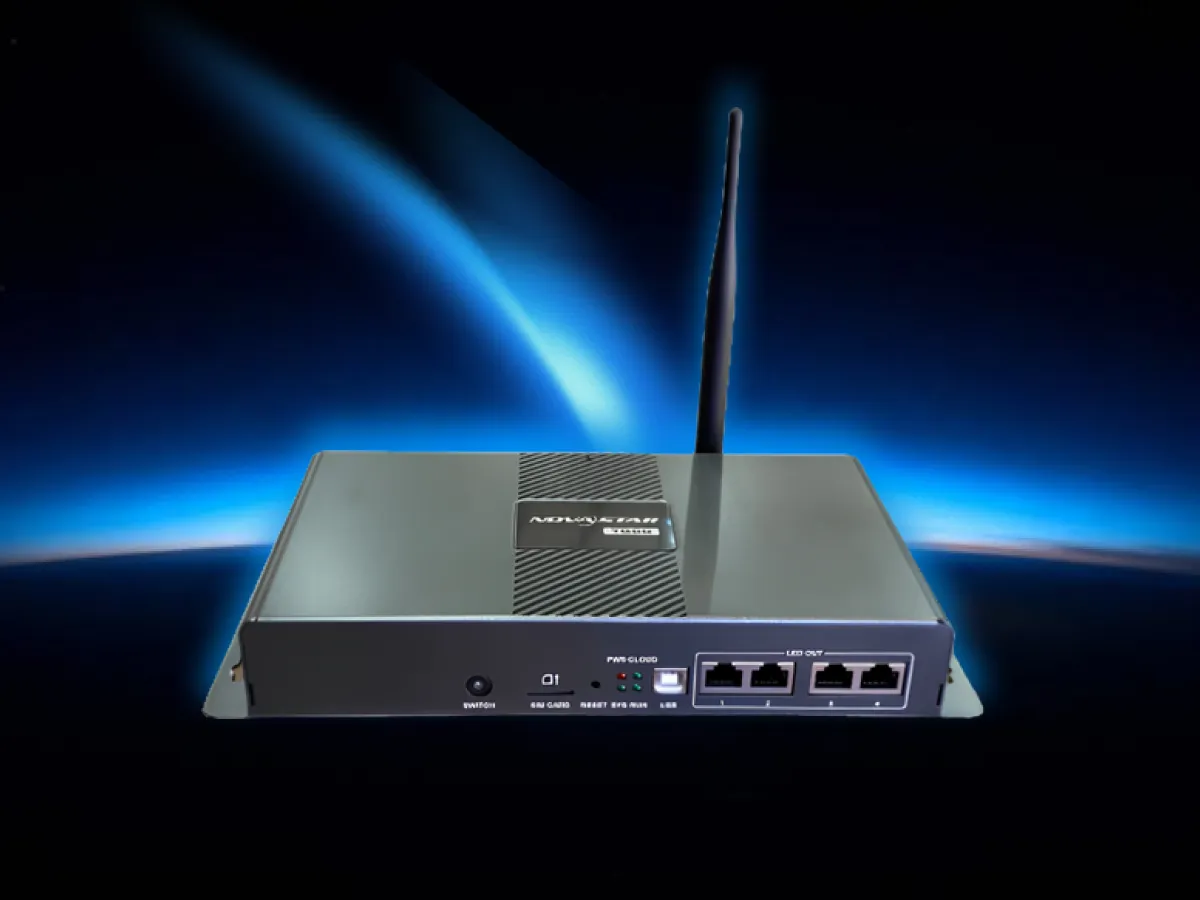
2x HDMI 1.3 inputs
3x USB 2.0 inputs for multimedia playback and function extension
4x Ethernet outputs, capacity up to 2.6 million pixels
2x audio outputs
− 1x SPDIF digital audio output
− 1x 3.5-mm audio output
Output image scaling
− Width range: 64 to 4096 pixels
− Height range: 64 to 1920 pixels
− Total device load capacity ≤ 2.6 million pixels
System Functions
Android 11 based desktop UI system, supporting third-party apps
Screen drawing and commenting (To use this feature, please purchase a whiteboard activation code
separately.)
Wireless screen mirroring from Windows, macOS, iOS and Android
Working with the ViPlex Handy app to achieve reverse control
The speaker can control the LED screen in reverse via the terminal.
Powerful processing performance
− Quad-core 1.8 GHz ARM A55 processor
− Support high-definition video decoding of H.264 4K@30Hz and H.265 4K@60Hz.
− 4 GB of RAM
− 32 GB of storage space
Playback control via different terminals
− Intelligent control via mobile app: Install ViPlex Handy on your smartphone for program editing and
publishing and screen control.
− Convenient playback control via remote: Perform playback control of local programs and simple program
editing on the screen.
− USB playback: Support standalone playback, plug and play, or copy and play.
Eye comfort mode
Dual Wi-Fi modes
Allow for Wi-Fi and wireless hotspot connections at the same time.
Image quality enhancement
Improve the display effect from the three dimensions of image contrast, detail and color. So that the overall
sense of image gradation is richer and more delicate; the edge details are clear and sharp; the color is bright
and vivid.
Effect adjustment
Offer 4 display modes including standard, meeting, vivid and skin, and allow you to adjust the brightness,
color temperature, saturation, contrast, etc.
Device Controls
Gigabit Ethernet control port with TCP/IP protocol support
Low-power (less than 0.5 W) mode during standby, and wake-up from standby via infrared remote
A relay can be connected for convenient power management of LED screen
Intelligent control via mobile app
Download and install VNNOX Care on your smartphone to easily configure the LED screen within just 10
minutes. The app also allows you to scan QR codes to set up screens, connect and adjust the topology using
photos, and monitor the status of your devices. For specific operations, please contact NovaStar technical
support.
Control the LED screen with a remote
Bluetooth 5.1
Can connect to up to 7 common peripherals such as the Bluetooth voice remote, Bluetooth mouse,
Bluetooth keyboard, and Bluetooth sound system.
Support peripherals such as camera, sound system and infrared touch frame